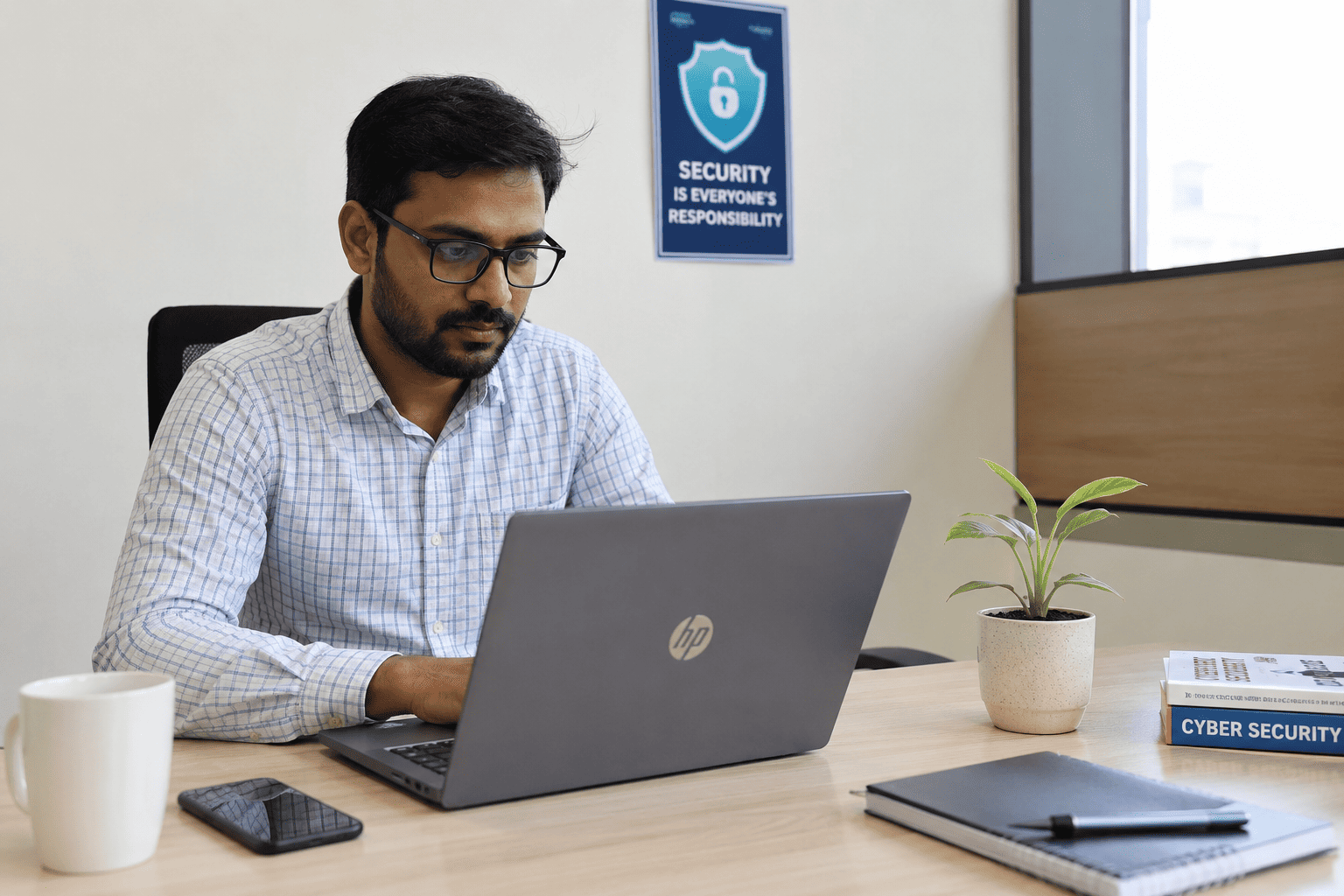
Why Small Businesses Need a Cybersecurity Checklist in 2026
Small businesses in India are increasingly becoming targets of cyberattacks. In most cases, attackers are not using highly advanced techniques. Instead, they take advantage of weak security practices, unprotected systems, and limited awareness within organizations.
In 2026, we continue to see that a large number of security incidents in small and mid-sized businesses are caused by basic security gaps — many of which can be prevented with simple and consistent controls.
This checklist is designed to help small businesses understand and implement essential cybersecurity practices in a practical and structured way.
How to use this checklist
Review each area one by one, assign ownership, and make these controls part of your regular business operations instead of treating security as a one-time setup.
Cybersecurity Checklist for Small Businesses in India
Enable Multi-Factor Authentication (MFA)
Passwords alone are no longer sufficient to protect business accounts. Multi-Factor Authentication (MFA) adds an extra layer of security by requiring an additional verification step such as a mobile OTP, authenticator app, or security prompt.
- Enable MFA for email accounts.
- Enable MFA for banking and financial platforms.
- Enable MFA for cloud services.
- Enable MFA for business applications such as CRM and ERP systems.
- Use authenticator apps or secure prompts wherever possible.
MFA significantly reduces the risk of unauthorized access, even if passwords are compromised.
Secure Business Email Systems
Email remains one of the most commonly exploited entry points for cyberattacks. Phishing attacks are designed to look like legitimate business communication such as invoices, payment requests, or internal approvals.
- Enable strong spam and phishing filters.
- Configure domain authentication properly using SPF, DKIM, and DMARC.
- Train employees to identify suspicious emails and attachments.
- Verify payment requests and bank detail changes through a second channel.
A single compromised email account can lead to financial fraud, data leaks, or unauthorized system access.
Keep Systems and Software Updated
Outdated systems are one of the most common security weaknesses in small businesses. Software vendors regularly release security patches to fix known vulnerabilities. When these updates are delayed, systems remain exposed to known attack methods.
- Regularly update operating systems and applications.
- Enable automatic updates wherever possible.
- Avoid using unsupported or end-of-life software.
- Maintain a simple update calendar for business-critical systems.
Timely updates are one of the simplest and most effective security controls.
Protect Employee Devices (Endpoints)
Every device used for business operations — laptops, desktops, and mobile devices — can become a potential entry point for attackers. This becomes even more important in hybrid and remote work environments.
- Install endpoint protection or antivirus solutions.
- Enable device-level encryption.
- Use strong screen locks and passwords.
- Restrict administrative access for users.
- Make sure lost or stolen devices can be locked or wiped.
Securing endpoints ensures that one compromised device does not affect the entire network.
Maintain Regular Data Backups
Backups are critical for business continuity, especially during ransomware attacks or system failures. However, many organizations either do not maintain proper backups or rely only on cloud storage, which may not be sufficient in all cases.
- Set up scheduled automated backups.
- Keep offline or secure backup copies separate from production systems.
- Regularly test the data recovery process.
- Maintain version control for critical business data.
- Clearly define who is responsible for backup monitoring.
Proper backups often determine how quickly a business can recover after an incident.
Control Access to Data and Systems
Not every employee requires access to all business data. Improper access control increases the risk of both internal misuse and accidental exposure of sensitive information.
- Implement role-based access control (RBAC).
- Remove access immediately when employees leave the organization.
- Limit administrative privileges.
- Conduct periodic access reviews.
- Give users access only to what they need for their role.
Access control ensures that users only have access to what they actually need for their work.
Secure Network and Internet Access
Weak network security can expose business systems to external threats without detection.
- Use secure Wi-Fi with strong, regularly updated passwords.
- Separate guest Wi-Fi from the internal business network.
- Enable and properly configure firewall protection.
- Disable unused network services and ports.
- Change default router and device passwords.
A properly secured network forms the foundation of overall cybersecurity.
Train Employees on Cybersecurity Awareness
A significant number of cyber incidents are caused by human error rather than technical failure. Employees should know how to identify risky behavior and report it quickly.
- Train employees to identify phishing emails and suspicious messages.
- Teach users how to spot fake login pages and websites.
- Warn employees about unsafe attachments or downloads.
- Create awareness around social engineering attempts.
- Repeat training regularly instead of doing it only once.
Regular awareness training helps reduce risk significantly and builds a security-conscious culture within the organization.
Monitor Systems for Unusual Activity
Most small businesses do not actively monitor their systems until a security incident occurs. Basic monitoring can help detect early warning signs before the damage becomes serious.
- Monitor unusual login attempts.
- Check for access from unknown locations or devices.
- Look for large or unusual data transfers.
- Track disabled or altered security settings.
- Review important system alerts regularly.
Early detection can significantly reduce the impact and cost of a security incident.
Have a Basic Incident Response Plan
When a cybersecurity incident occurs, response time is critical. Even a simple documented plan can help reduce confusion and delay during an attack.
- Define who should be contacted first.
- Document immediate steps to isolate affected systems.
- Keep backup recovery procedures ready.
- Maintain external support contacts such as IT and security partners.
- Review and test the plan at regular intervals.
Preparedness ensures faster recovery and minimizes operational disruption.
Common Security Gaps Small Businesses Should Avoid
Most security incidents in small and mid-sized businesses happen because basic controls are missing or not followed consistently. The points below are common gaps that should be reviewed regularly.
Relying only on passwords
Business email, banking, cloud, CRM, and ERP accounts should not depend on passwords alone. MFA should be enabled wherever possible.
Ignoring email authentication
Without SPF, DKIM, and DMARC, attackers can misuse your domain or create convincing fake email communication.
Using only one backup location
Cloud storage is useful, but critical data should also have secure backup copies with tested recovery procedures.
Not removing old user access
When employees or vendors leave, access should be removed immediately from email, business apps, shared folders, and admin panels.
Weak Wi-Fi and network settings
Default passwords, shared Wi-Fi, and open ports can expose business systems to unnecessary risk.
No monitoring or response plan
Basic alerts and a simple incident response plan help the business act quickly when something goes wrong.
Final Thoughts
Cybersecurity is no longer optional for small businesses. Most attacks today do not rely on highly advanced techniques — they exploit basic weaknesses in processes, systems, and human behavior.
The positive aspect is that most of these risks can be significantly reduced by consistently applying the fundamentals outlined in this checklist.
Cybersecurity should be treated as an ongoing business practice, not a one-time setup or technical activity.
How T3 Consulting Helps
T3 Consulting helps growing businesses implement practical cybersecurity controls without making the process complicated. Our team can review your current setup, identify basic gaps, and help you improve email security, access control, backups, endpoint protection, monitoring, and incident response readiness.
If your business needs ongoing security guidance, our vCISO service can provide security leadership, planning, and regular review support without the cost of hiring a full-time security head.
Want to Strengthen Your Business Security?
Start with a practical cybersecurity review and identify the basic gaps that may be putting your business at risk.
Request a Security Review